Demonstrations
See it in motion
0.4 beta adds a RayNeo X3 Pro retrospective and overview, alongside setup, learning, and earlier TapInsight demos.
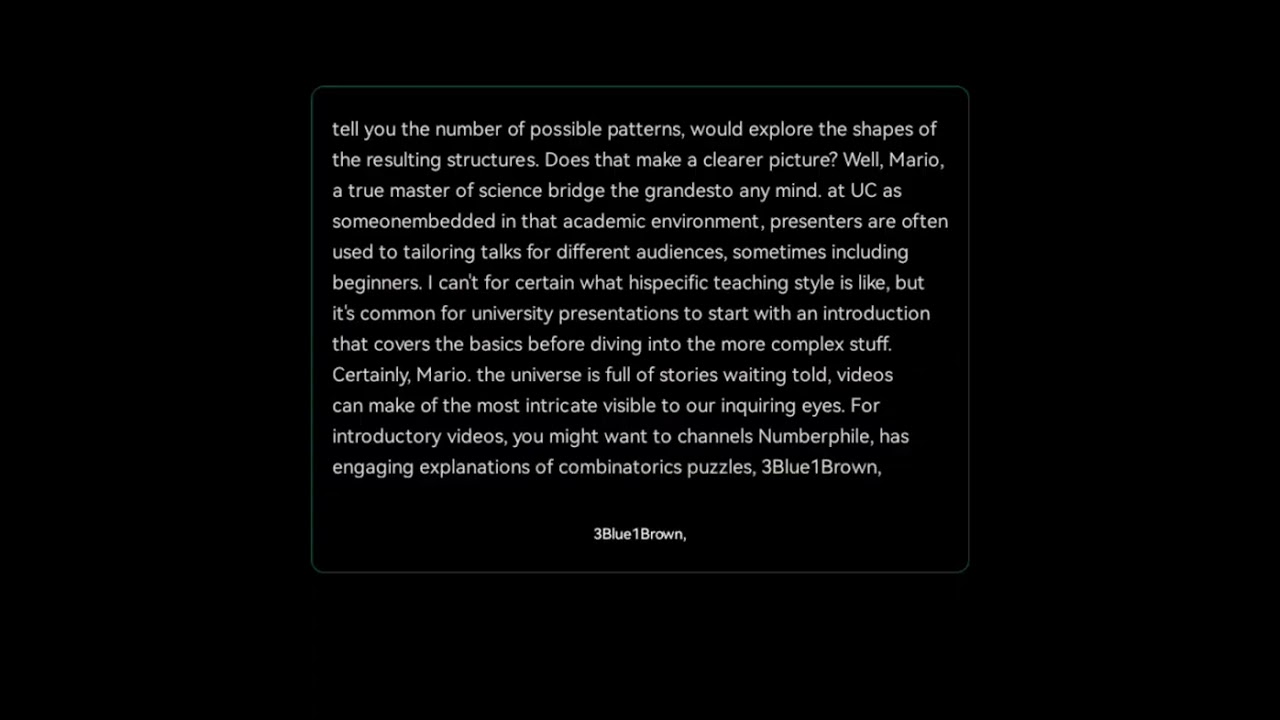
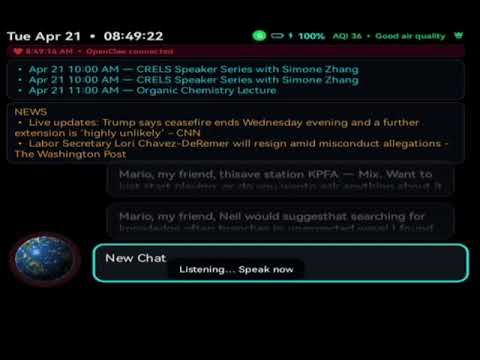
TapInsight turns the RayNeo X3 Pro AR glasses into a companion that looks, listens, and understands — voice, vision, and a hands‑free browser united by Gemini AI. Ancient curiosity, modern instruments.
0.4 beta focuses on native media playback, YouTube stability, and release hygiene for the RayNeo X3 Pro.
.srt support.Text/ with date/time filenames.Ask "what song is this?" while listening to TapRadio. With an AudD token, TapInsight asks AudD to fingerprint the current stream first so stale station metadata doesn't win. Without a token, TapInsight falls back to the free track metadata broadcast by many stations. Get a free token (300 IDs/month) at audd.io.
0.4 beta adds a RayNeo X3 Pro retrospective and overview, alongside setup, learning, and earlier TapInsight demos.
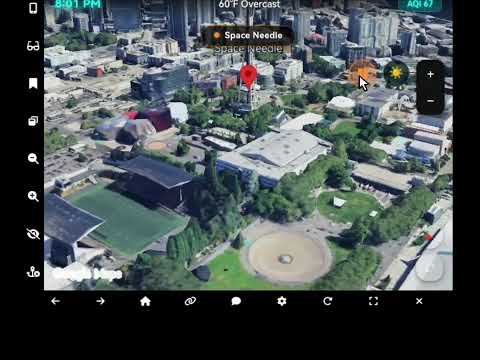
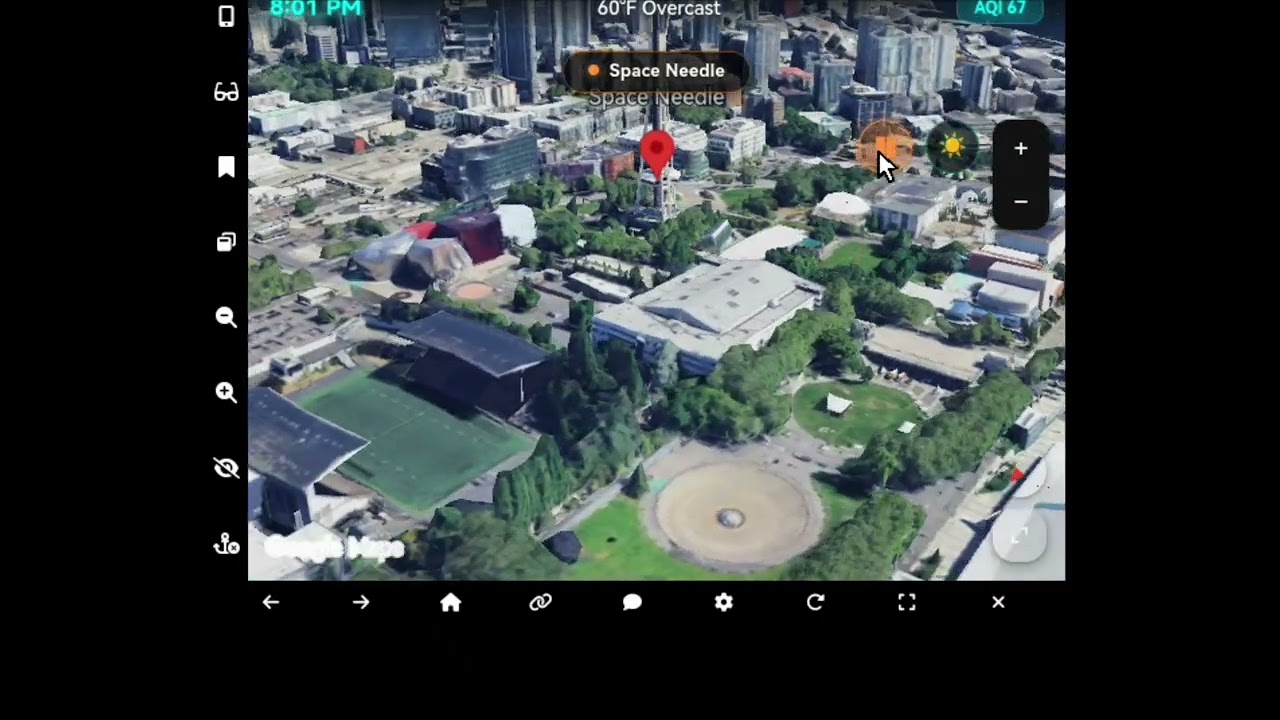
Auto‑captured moments from the walkthrough video above — the HUD, TapClaw telemetry, and the companion in motion. Click any frame to enlarge.
 Title card
 First look
 Mid‑demo
 Closing sequence
 Full resolution poster
Interlocking tools turn the X3 Pro from a display into a research companion — now with more personal avatars, faster camera control, editable browser workflows, and cleaner agent handoffs.
Personalize the assistant presence with avatar controls in the companion experience, so the HUD feels more like your own instrument.
Tap the left arm to toggle the camera on when you need vision, then drop back to audio-first use when you want privacy or battery savings.
Edit TapBrowser bookmarks directly from the companion app, keeping the glasses dashboard useful without manual file surgery.
Gemini, TapClaw, OpenClaw, TapBrowser, and media tools hand off more deliberately, reducing stale context and wrong-media launches.
Text + vision plus live voice conversation. Point the camera, ask a question, and the assistant answers while seeing exactly what you see.
Tap, double‑tap, swipe on the temple touchpad — navigate, scroll, select, go back. Hands‑free by design.
Internet radio optimized for the 960×480 display. 18 curated stations, favorites, genre tabs, and 30,000+ more from Radio Browser.
A full web browser on your temples: dashboard quick‑launches, bookmarks, desktop/mobile switch, and a QR scanner for one‑glance URL entry.
Link the glasses to an OpenClaw agent on your Mac, Linux, or Windows host. Voice‑directed tool use, smart‑home control, scene analysis.
Camera frames stream to a local HTTP service your agent can read — every observation permanently archived in dated folders.
Configure the glasses from any phone or laptop over Wi‑Fi — API keys, OAuth, TapRadio sync, TapClaw gateway, HUD settings.
Play local audio, video, text, and .m3u playlists from the glasses, with companion-side uploads, playlist editing, and Gemini TTS for readable files.
A scrolling status line that surfaces what your OpenClaw agent is doing in real time — and parks the last message so you can read it.
TapInsight 0.4 beta is the latest sanitized build from the active OpenClaw line.
0.4 beta adds native ExoPlayer playback for local and SMB videos with a folder queue and prev/next controls, a CC language picker with sidecar .srt support, X3 Pro HDR correction, YouTube fullscreen + dim-mode stability, TapRadio song identification (optional AudD), and release hygiene for the public build.
The last stable point release. Good if you want a calmer baseline before hopping onto the beta channel.
Browse ReleasesThe companion runs on the glasses themselves — open it from your phone or laptop and tune every setting from one place.
Plug the X3 Pro into your computer, then establish a local port forward over ADB:
adb forward tcp:19110 tcp:19110Head to the local HTTPS endpoint:
https://localhost:19110/The glasses use a locally‑generated TLS certificate. Your browser will flag it as unknown — click Advanced → Proceed. This is one‑time per device.
If you'd rather go wireless, your computer and the glasses need to share a network. Find the glasses' IP in Settings → WiFi, then open:
https://<glasses-ip>:19110/Accept the certificate warning once, and you're in. If the device falls back to non‑TLS, use http://<glasses-ip>:19110/ instead.
The port forward drops when the glasses disconnect, reboot, or ADB restarts. The bundled helper re‑establishes it automatically:
./setup_usb.sh --watchFor thousands of years, people read the sky by eye and catalogued the world through notched bones, painted stones, and whispered songs. Observation is ancient technology.
TapInsight belongs to that same tradition, only with an extra pane of glass and a small AI on your temple. Point, ask, and listen — the glasses become a field notebook that writes itself while you work.
Understanding begins with paying attention. The rest is just instrumentation.
Everything you need to take the glasses from box to observatory.
Project overview, feature list, build instructions, and acknowledgments.
The full visual manual for setup, gestures, TapBrowser, the local Media Library, TapClaw, and companion workflows.
The offline setup wizard — works from any browser, pairs to the glasses over Wi‑Fi or USB.
The current beta and stable builds with release notes and APK downloads.
The HTML assets the glasses serve over Wi‑Fi on port 19110 — dashboard, browser, radio.
Report bugs, suggest features, or see what's queued up next.
The open‑source license that TapInsight ships under.
TapInsight is a real-world AR experiment built in public. Donations, contract work, and job leads help fund the time, devices, hosting, and testing needed to keep the project alive.
If TapInsight is useful to you, reach out through the tropicalstream GitHub profile about donations or sponsorship support.
AR, Android, AI-agent, accessibility, and media-tooling leads are welcome. Open an issue or contact tropicalstream on GitHub with a concise note.
TapInsight exists because of the generosity of the open-source community — especially the creators of TapLinkX3, whose AR-optimized browser is the quiet engine under TapBrowser.
The developers of TapLinkX3, for creating the browser foundation and for
allowing integration of their work into this project. The tapbrowser module is
built on their excellent AR‑optimized web browser for the RayNeo X3 Pro.
Also thanks to the Gemini API team at Google, the RayNeo engineering team, and the OpenClaw community — every feature here stands on someone else's careful work.